
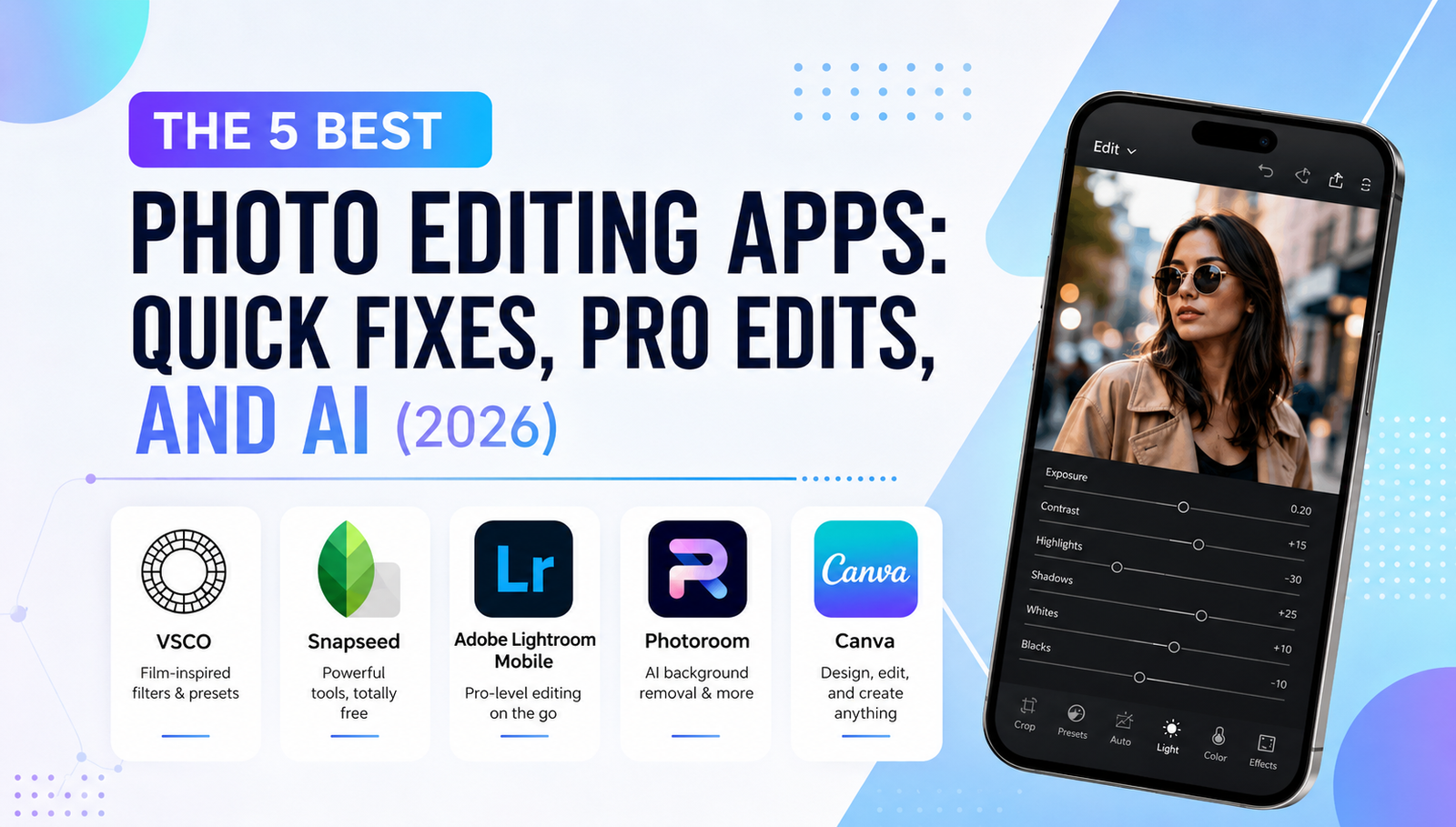
The camera in your smartphone is more powerful than professional DSLR cameras from a decade ago. However, capturing a great shot is only half the battle; the real magic happens in the edit. Whether you are trying to remove a photobomber, color-grade a moody sunset, or use AI to completely transform your background, you need the right software.
With thousands of options on the app stores, finding the perfect tool can be overwhelming. To save you time, we have categorized the 5 best photo editing apps into three distinct groups: Quick Fixes, Pro Powerhouses, and AI Wizards.
Category 1: The Quick Fixers (Best for Everyday Use)
If you want to edit a photo in under 60 seconds before posting it to Instagram or sending it to a friend, these apps are your best bet. They are intuitive, fast, and completely free.
1. Snapseed (The All-Rounder) Developed by Google, Snapseed remains the undisputed king of free mobile editing. It offers a massive suite of tools without locking a single feature behind a paywall.
- Best Feature: The “Selective” tool. You can tap on a specific area of your photo (like a dark shadow on a face) and only brighten that exact spot without affecting the rest of the image.
- Who is it for? Everyone. It has simple filters for beginners and advanced curve tools for enthusiasts.
2. VSCO (The Aesthetic King) VSCO is less about heavy manipulation and more about achieving that cinematic, film-like aesthetic. It is deeply popular among digital creators who want a cohesive look for their social media feeds.
- Best Feature: Its legendary preset filters. VSCO’s color science mimics classic Kodak and Fujifilm stocks perfectly.
- Who is it for? Creators looking for a moody, aesthetic, and consistent vibe with just one tap.
Category 2: The Pro Powerhouses (Best for Deep Editing)
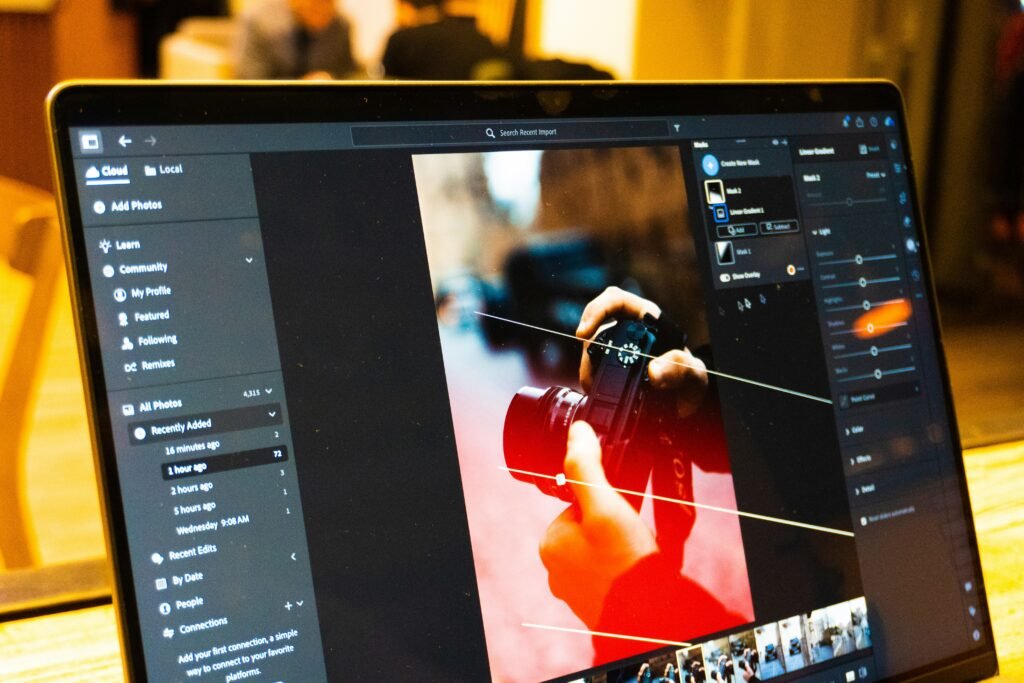
When a simple filter is not enough, you need desktop-level control in the palm of your hand.
3. Adobe Lightroom Mobile Lightroom is the industry standard for professional photographers, and its mobile app brings 90% of its desktop power to your phone. It allows you to edit RAW image files, meaning you have complete control over recovering lost highlights and shadows.
- Best Feature: The “Color Mix” panel. You can isolate specific colors in your photo. For example, you can make the sky a deeper blue or change the color of the leaves from green to autumn orange without affecting skin tones.
- Who is it for? Professional photographers and serious hobbyists who want absolute control over lighting and color grading.
Category 3: The AI Wizards (Best for Enhancements)
We have entered the era of Artificial Intelligence. These apps do not just edit photos; they mathematically reconstruct them.
4. Photoroom If you run an online store, sell items on marketplaces, or design YouTube thumbnails, Photoroom is essentially magic. It specializes in isolating subjects and manipulating backgrounds.
- Best Feature: The AI Background Remover. With one tap, it flawlessly cuts out your subject (even complex things like hair) and lets you place them in an AI-generated studio setting.
- Who is it for? E-commerce sellers, content creators, and thumbnail designers.
5. Canva (The Design Studio) While Canva is technically a graphic design app, its recent AI photo editing updates have made it indispensable. It has seamlessly integrated AI generation tools directly into its editing suite.
- Best Feature: “Magic Eraser” and “Magic Edit.” You can easily brush over an unwanted object (like a trash can in the background) and the AI will remove it perfectly. You can also brush over an object and type a prompt to replace it (e.g., turning a coffee cup into a vase of flowers).
- Who is it for? Digital marketers, social media managers, and casual users who want to blend photo editing with text and graphic design.
Final Thoughts: Which One Should You Choose?
You do not need to download all of them. If you want a quick, free, and powerful tool, start with Snapseed. If you are serious about photography and color grading, invest your time in Lightroom. And if you need to create engaging social media posts with mind-blowing AI tricks, Canva or Photoroom will be your best friends. Download your favorite, experiment with the sliders, and watch your photos come to life.