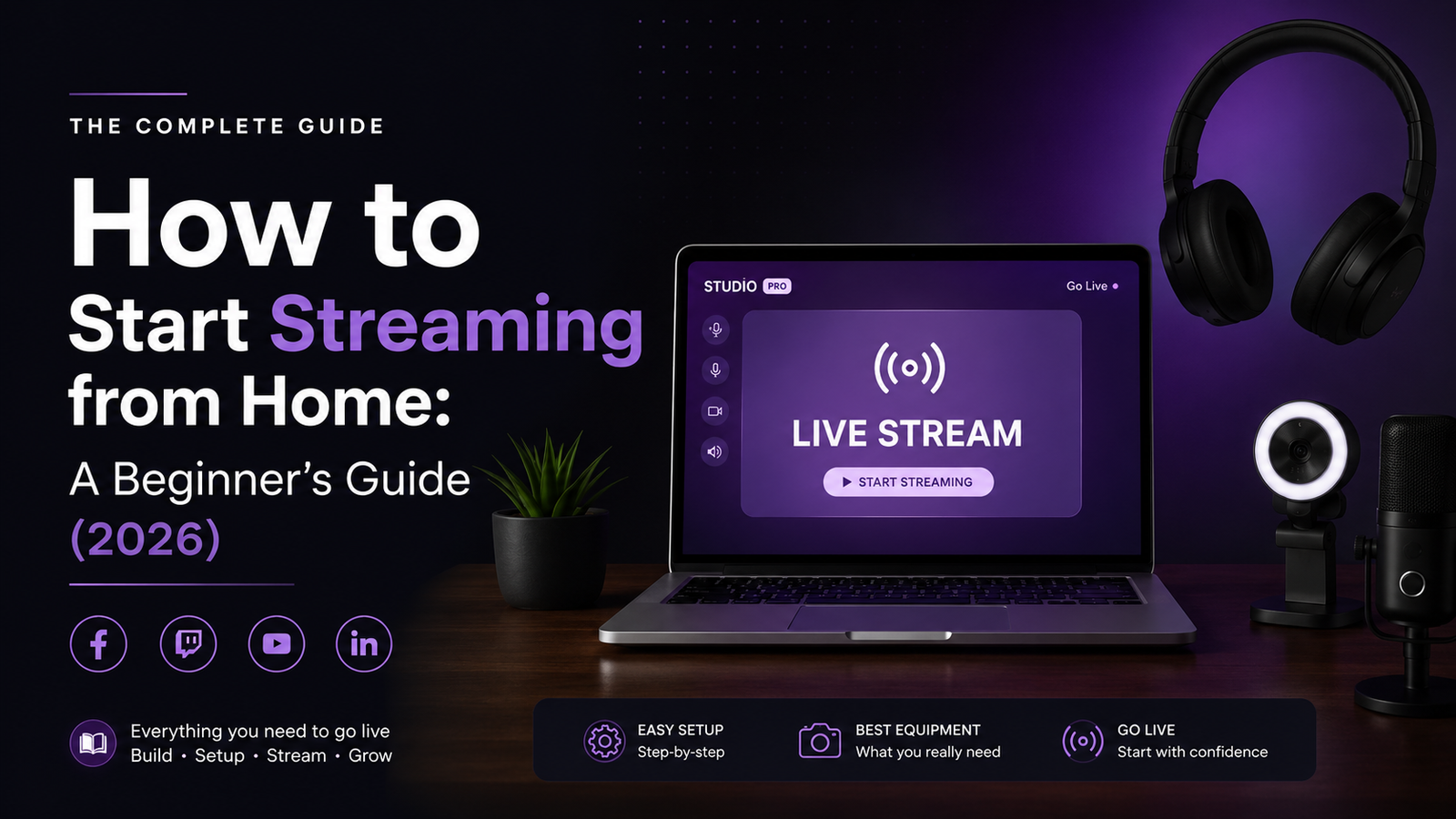
Want to become a live streamer but don’t know where to start? Discover the essential gear, software, and strategies to launch a successful stream in 2026.
Watching your favorite creators play games, chat with viewers, and build massive communities makes streaming look incredibly fun. It is easy to think that you need a multi-thousand-dollar studio to get started. However, the reality of streaming in 2026 is much more accessible.
Whether your goal is to build a full-time career or simply share your gaming hobby with a few friends online, launching your channel requires just a few basic tools and a solid strategy. Here is the ultimate step-by-step guide to starting your streaming journey from the comfort of your own room.
Step 1: Choose Your Battlefield (The Platforms)
Before you buy a single cable, you need to decide where you want to build your audience. Each platform has a completely different vibe and algorithm.
- Twitch: The traditional home of gaming. It is perfect for long-form, highly interactive gaming sessions and building a tight-knit community.
- YouTube Live: Excellent for discoverability. If you already make standard YouTube videos, streaming here keeps all your content under one roof.
- TikTok Live: The undisputed king of rapid growth. It is highly optimized for mobile viewing, automated interactive live streams, and fast-paced engagement.
Step 2: Gather Your Essential Hardware (Keep It Budget-Friendly)
You do not need to go broke to have a professional-looking stream. Start small, test the waters, and upgrade later.
- The PC or Laptop: You need a machine that can handle running a game and encoding video simultaneously. A solid modern gaming laptop or a mid-range desktop is more than capable of handling resource-heavy tasks without dropping frames.
- The Microphone (Crucial): Viewers will tolerate a low-quality webcam, but they will instantly leave if your audio is bad. You do not need a $400 studio setup; a high-quality USB microphone like the Fifine Ampligame A6V provides incredibly crisp sound and aesthetic RGB lighting right out of the box.
- The Webcam: A standard 1080p webcam (like the Logitech C920) is perfect. Good lighting is actually more important than an expensive camera. Place a simple ring light behind your monitor facing you.
Step 3: Set Up Your Broadcasting Software
To send your gameplay to the internet, you need broadcasting software. Do not waste money on paid programs.
Download OBS Studio (Open Broadcaster Software). It is 100% free, open-source, and used by 99% of top streamers.
- Link your Twitch/YouTube/TikTok account in the settings.
- Add your “Game Capture” source to show your gameplay.
- Add your “Video Capture Device” for your webcam.
- Add your “Audio Input Capture” to route your microphone.
Step 4: Find Your Niche and Content Style
The biggest mistake beginners make is just playing a random game and sitting in silence. You need to give people a reason to watch you.
Find a specific angle. Are you going to be the highly skilled player grinding to Diamond 1 in competitive Valorant? Or perhaps you are setting up automated, interactive streaming concepts using games like Euro Truck Simulator 2 or GTA 5 where viewers control the chaos? Having a clear identity helps you stand out in a crowded market.
Step 5: Master the Art of Talking to Yourself
When you first go live, your viewer count will likely be zero. The secret to growing is acting like you have 1,000 people watching even when you have none.
Constantly narrate your thought process. Talk about why you made a specific move in the game, discuss your day, or talk about a movie you just watched. When that first viewer finally clicks on your stream, they need to hear you speaking immediately, not sitting in awkward silence.
Final Thoughts: Just Press “Go Live”
The hardest part of streaming is clicking the “Start Streaming” button for the first time. Your first stream will not be perfect. Your microphone might be too quiet, or your game might lag. That is completely normal! Fix the technical issues as they come, stay consistent with a schedule, and focus on having fun