

Discover the best platforms and browser extensions to perfectly sync movies, video chat, and enjoy long-distance movie nights with your partner.
Key Learnings
- Sync your favorite streaming services perfectly without frustrating “3, 2, 1, press play” countdowns.
- Choose between lightweight mobile apps for on-the-go dates or desktop extensions for a cinematic screen experience.
- Utilize built-in voice and video chat features to share real-time reactions and stay connected.
- Find free alternatives to stream custom downloaded files or YouTube videos together.
Why You Need a Synchronized Viewing App
Managing a long-distance relationship—or simply trying to coordinate a digital movie night when you are both traveling—can be tricky. Trying to press “play” at the exact same second on a phone call rarely works, and someone always ends up a few seconds ahead, ruining the plot twists.
Synchronized viewing apps solve this by linking your video players together. If one person pauses to grab a snack, the movie pauses for both. Combined with integrated text, voice, or video chat, these platforms recreate the feeling of sitting on the same couch.
Top Platforms for Virtual Movie Dates
1. Teleparty (Formerly Netflix Party)
Teleparty is the undisputed king of desktop watch parties. It is a simple browser extension that syncs video playback and adds a group chat feature to your favorite streaming sites.
- Best for: Desktop and laptop users.
- Supported Services: Netflix, Disney+, Hulu, HBO Max, and Amazon Prime Video.
- Pro Tip: Only one person needs to create the room link, but both users must have active subscriptions to the streaming service. (Download Teleparty Extension)
2. Rave
If you and your partner prefer watching on your phones or tablets in bed, Rave is the ultimate mobile solution. It perfectly syncs media and allows you to talk via microphone while the movie plays.
- Best for: Mobile users (iOS and Android).
- Supported Services: Netflix, Amazon Prime, YouTube, Disney+, and even Google Drive for custom files.
- Standout Feature: It has excellent voice-chat integration directly over the movie audio. (Download Rave App)
3. Scener
For couples who want to see each other’s reactions during jump scares or romantic scenes, Scener acts like a virtual movie theater. It keeps your webcam video floating on the side of the screen while the movie plays.
- Best for: Video-chat enthusiasts.
- Supported Services: Almost all major premium streaming platforms.
4. Discord (Screen Share)
While known for gaming, Discord is a fantastic tool for movie dates. Instead of relying on synchronized player APIs, one person can simply stream their screen (and audio) directly to the other person in a private voice channel.
- Best for: Watching indie movies, custom downloaded files, or YouTube documentaries without needing two separate premium subscriptions.
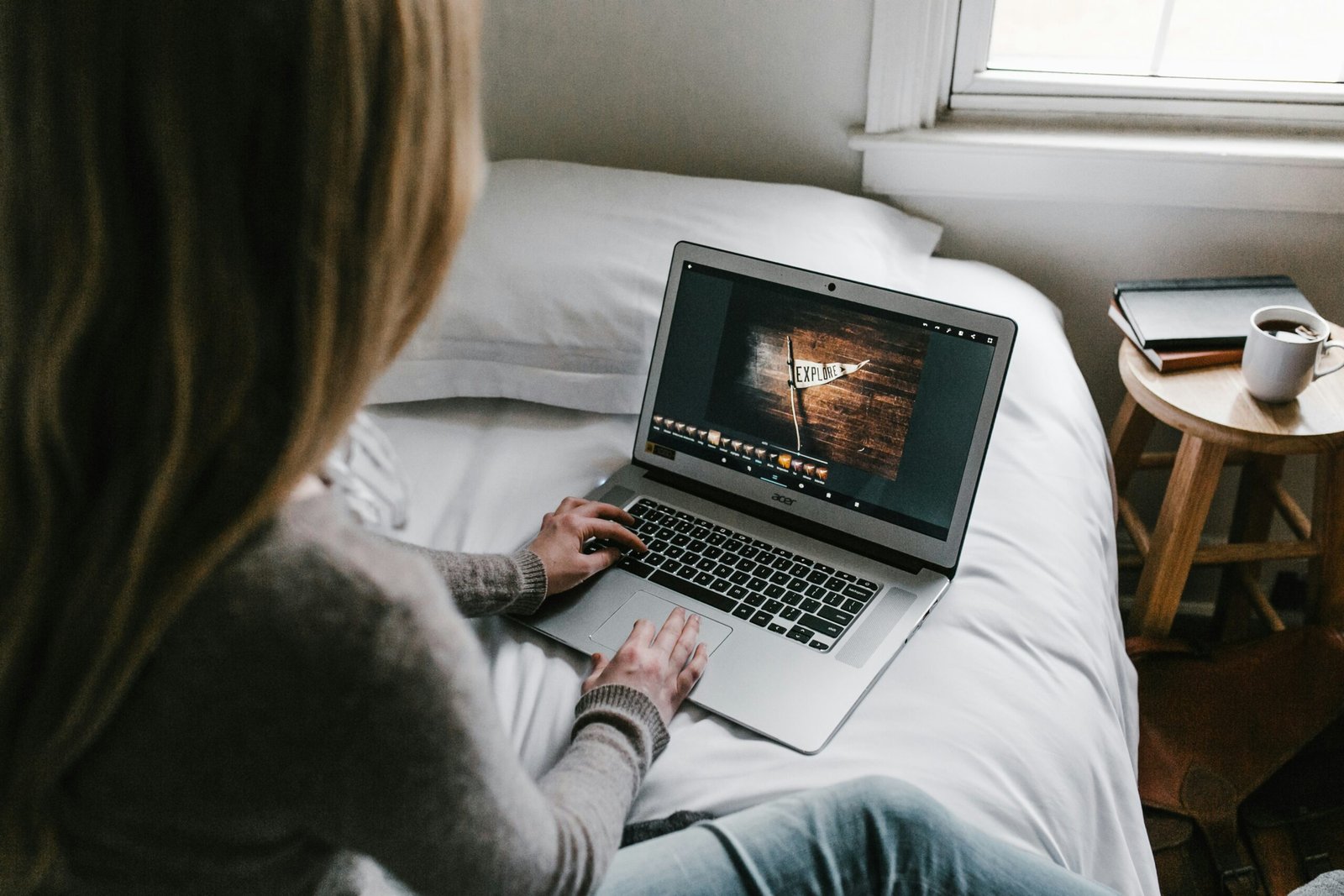
Simple Routine for a Perfect Virtual Movie Night
- Pick the Movie in Advance: Avoid scrolling for 40 minutes on call. Decide on the title before the date starts.
- Test the Connection (5 Mins): Send the room link, ensure both videos are buffering properly, and check your microphones.
- Snack Sync: Grab your popcorn or order matching takeout to make the distance feel a little smaller.
- Press Play & Relax: Let the app handle the synchronization while you enjoy the night.
Final Checklist Before Pressing Play
- Subscriptions Active: Ensure both partners are logged into the required streaming service.
- Extensions Updated: Check your browser to make sure the Teleparty or Scener extension is up to date.
- Do Not Disturb: Mute background notifications on your PC/Phone so your movie audio stays clean.
- Audio Levels: Adjust the movie volume slightly lower than your voice chat volume so you can hear each other clearly.