The PDF (Portable Document Format) is the universal language of the digital world. It is perfect for preserving the exact layout of a document, ensuring it looks the same on every device. However, this strength is also its biggest weakness: PDFs are notoriously difficult to edit.
Whether you need to quickly extract translated video scripts from a document, or accurately format monthly tax invoices for your business operations, dealing with a locked PDF can be a massive headache. You need a reliable tool that can convert these files into editable Word documents, Excel spreadsheets, or high-quality images without destroying the original formatting.
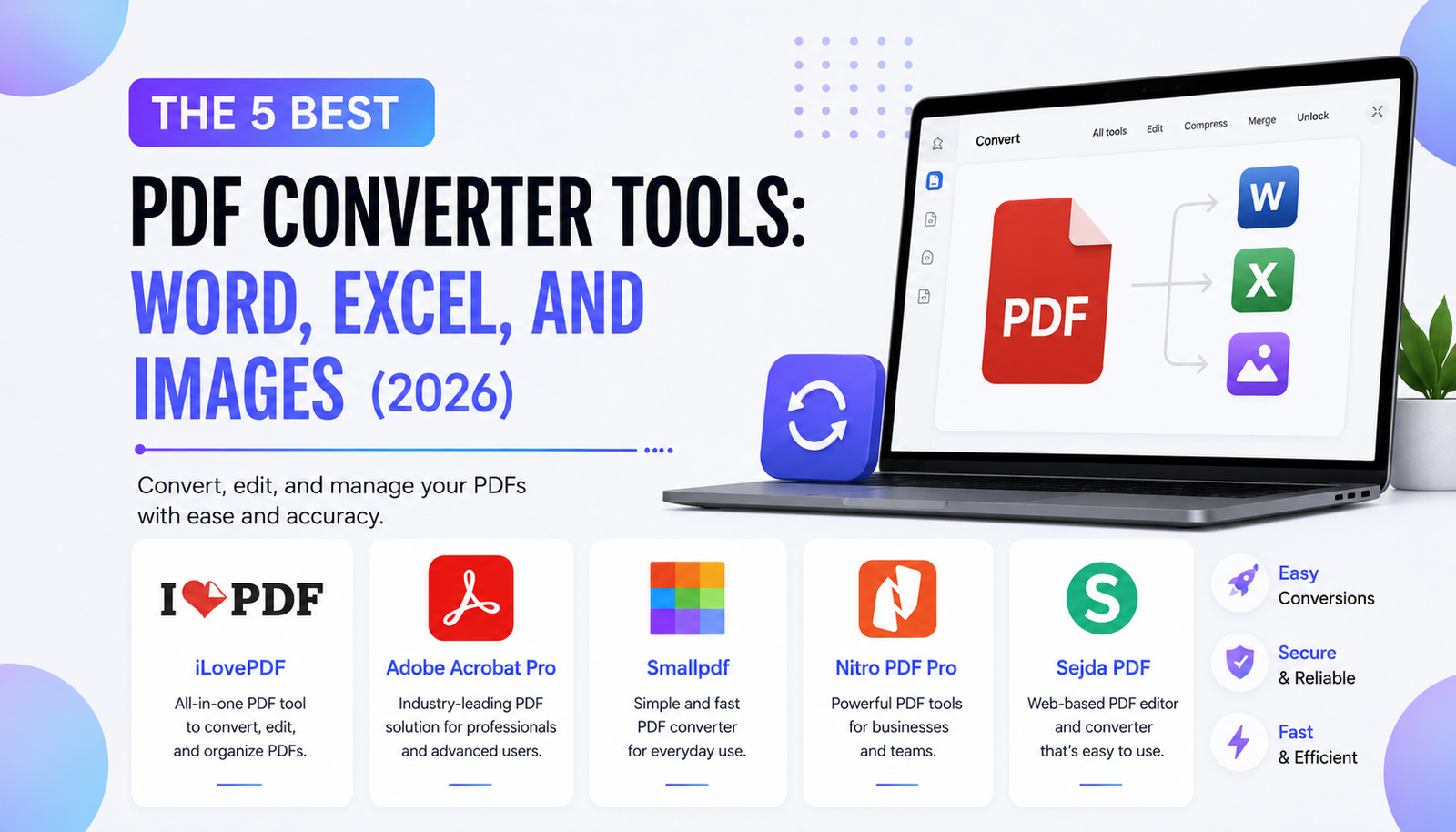
To save you time and frustration, we have tested and ranked the 5 best PDF converter tools available in 2026, ranging from free browser-based solutions to professional powerhouse software.
1. iLovePDF (The Best Free Web-Based Tool)
When you need to convert a file instantly and do not want to download heavy software, iLovePDF is the absolute king of the internet.
- Best Feature: Extreme simplicity and speed. It operates entirely in your browser with a flawless drag-and-drop interface.
- What it does best: It handles the most common tasks effortlessly—PDF to Word, PDF to JPG, merging multiple documents, and compressing large files for email attachments.
- Who is it for? Students, freelancers, and anyone who needs a quick, free, and reliable conversion without creating an account.
2. Adobe Acrobat Pro (The Industry Standard)
Adobe literally invented the PDF format, so it is no surprise that their premium software remains the most powerful tool on the market.
- Best Feature: Flawless formatting retention. When you convert a complex PDF (with tables, unique fonts, and images) into an Excel or Word file, Adobe keeps the original structure perfectly intact.
- What it does best: Advanced OCR (Optical Character Recognition). It can scan a physical piece of paper and turn it into a fully editable digital document.
- Who is it for? Serious digital entrepreneurs, legal professionals, and businesses that handle hundreds of official documents daily.
3. Smallpdf (The Best User Experience)
If Adobe feels too complex and iLovePDF feels too basic, Smallpdf sits perfectly in the middle. It offers a beautiful, modern, and highly intuitive interface.
- Best Feature: The Chrome Extension. You can convert, compress, and edit PDFs directly from your browser without even opening a new tab.
- What it does best: E-signing and secure document sharing. It makes getting digital signatures incredibly smooth.
- Who is it for? Remote workers and digital content creators who want a premium, fast-loading tool with a beautiful design.
4. Nitro PDF Pro (The Best Alternative to Adobe)
For users who want the extreme power of Adobe Acrobat but refuse to pay a high monthly subscription fee, Nitro PDF Pro is the ultimate solution.
- Best Feature: Batch processing. If you have 50 different PDFs that all need to be converted to Excel spreadsheets, Nitro can do it all at once with a single click.
- What it does best: Redacting sensitive information and creating custom digital forms.
- Who is it for? Business owners and agency managers who require heavy-duty PDF manipulation but prefer a one-time software purchase over a subscription model.
5. Sejda PDF (The Best for Quick, Secure Edits)
Security is a major concern when uploading private documents to the internet. Sejda solves this by automatically deleting all uploaded files from their servers after two hours.
- Best Feature: The built-in text editor. Unlike other tools that just convert, Sejda allows you to click and type directly on the PDF text as if it were a Word document.
- What it does best: Editing existing text, adding hyperlinks, and filling out un-fillable PDF forms.
- Who is it for? Privacy-conscious users who need to make quick text edits to sensitive documents (like contracts or financial records) without installing desktop software.
Final Thoughts: Which Tool Should You Choose?
Your choice depends on your daily workflow. For 90% of people, bookmarking iLovePDF will solve all their casual conversion needs. If you want a beautiful interface, try Smallpdf. However, if you are running a serious business and handling complex invoices, contracts, or extensive multi-page scripts, investing in Adobe Acrobat Pro or Nitro PDF is absolutely worth the price.