
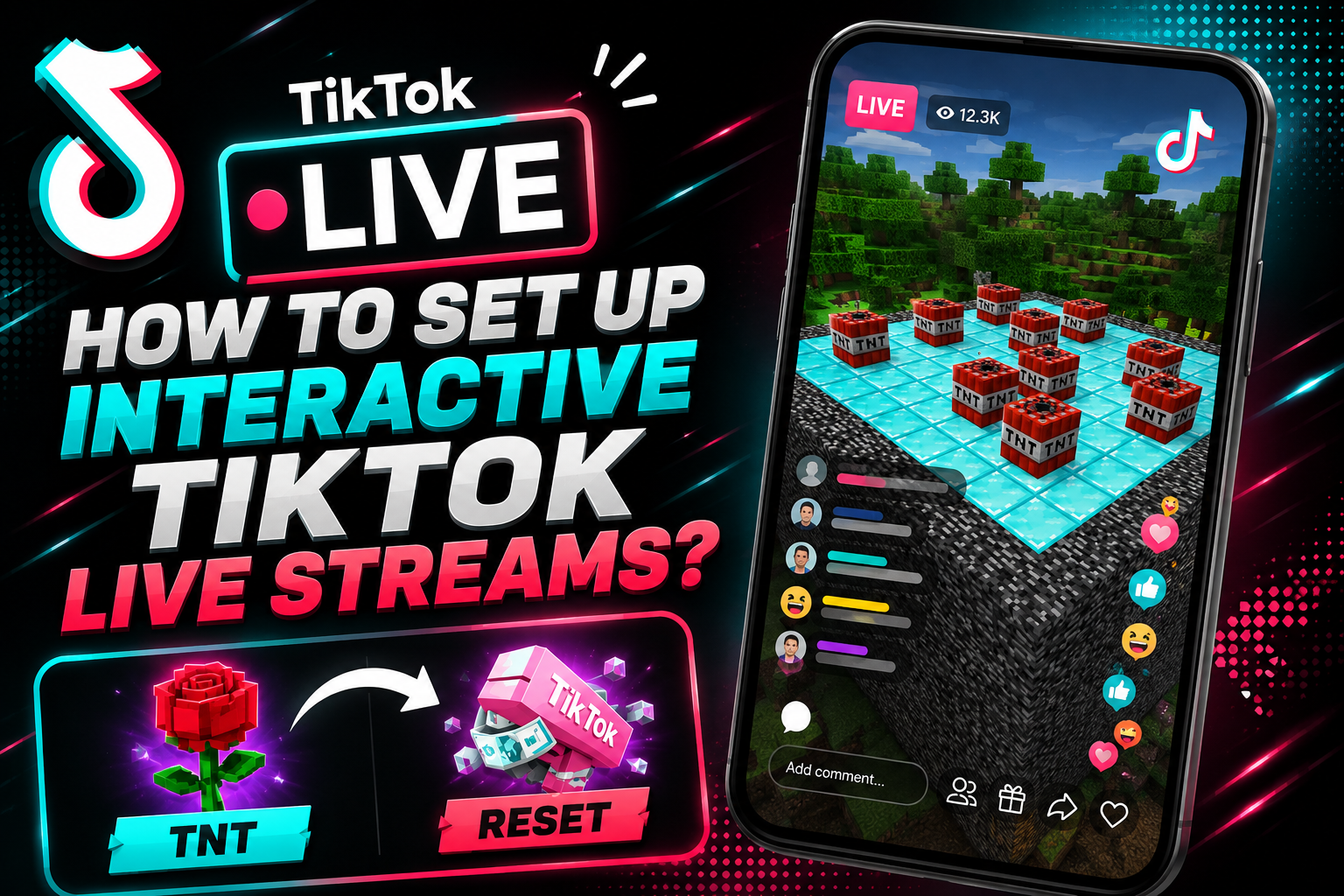
Learn how to create viral interactive TikTok live streams using automated engagement loops, chat commands, and games like GTA 5 and Minecraft.
Key Learnings
- Understand the mechanics behind automated engagement loops on TikTok Live.
- Identify the best games for viewer interaction, such as GTA 5 and simulation titles.
- Learn how to connect TikTok Live Studio with third-party automation bots.
- Optimize your hardware for smooth, long-term automated broadcasting without crashes.
What is an Interactive Live Stream?
If you have scrolled through TikTok Live recently, you have likely seen them: a streamer is playing a game, and suddenly, a viewer types a specific word in the chat, or sends a virtual Rose, and a car drops from the sky in the game.
This is not magic; it is an interactive automated stream. By linking the TikTok Live chat API to game commands, creators build a self-sustaining engagement loop. Viewers are highly motivated to comment, share, and send gifts to see their direct impact on the screen. This skyrocketing engagement pushes the stream directly into the global algorithm.
Best Games for Automated TikTok Streams
Not every game works for this format. You need games that allow for modding, custom scripts, and visual chaos.
1. Minecraft
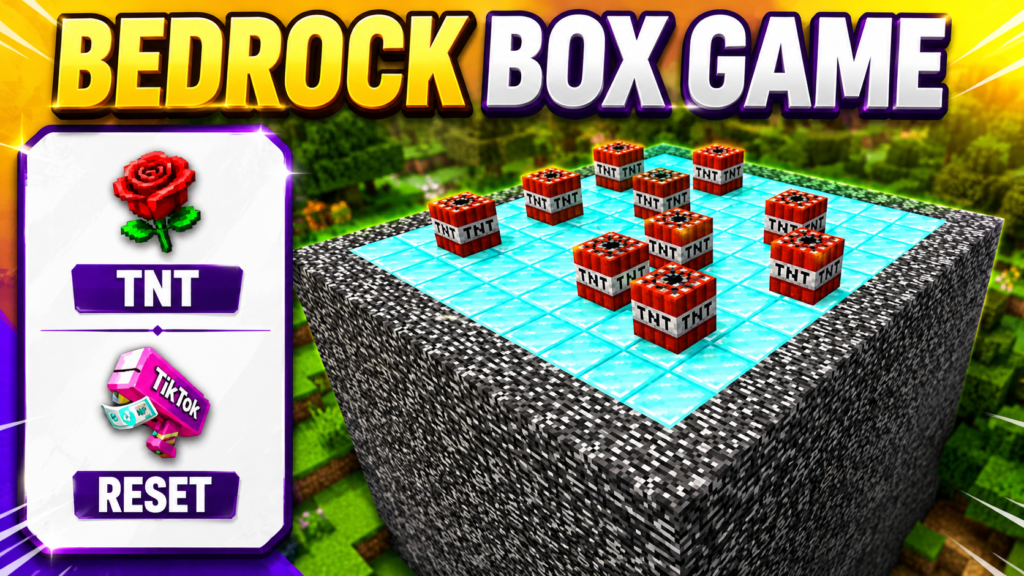
Minecraft is the undisputed king of interactive streams. By using custom server plugins and API bots, creators let viewers completely control the game. A viewer liking the stream might drop a helpful item, while a premium gift could spawn 50 Creepers or drop an anvil on the player’s head. The endless modding capabilities make it the perfect loop for engagement.
2. Grand Theft Auto V (GTA 5)
GTA 5 is the king of interactive chaos. By using mods like Chaos Mod combined with a chat integration script, viewers can type commands to spawn vehicles, change the gravity, or give the character a specific weapon. The unpredictable nature of these streams guarantees high viewer retention and constant chat spam.
3. Roblox (Custom Modes & Obbys)
Roblox is a goldmine for mobile audiences. Since the platform allows custom Lua scripting, creators can build specific “Don’t Touch The Red” obbys or roleplay environments where viewer commands trigger admin actions. Whether it is changing the player’s speed, teleporting them, or spawning objects, Roblox’s massive built-in audience guarantees high traffic.
4. Garry’s Mod (GMod)
If you want pure sandbox chaos without limits, GMod is the answer. Streamers use automated scripts to let the chat spawn ragdolls, explosions, or popular internet meme characters directly into the map. Because the physics engine is so loose, every viewer interaction creates a hilarious, unpredictable result.
The Core Tools You Need
To build this setup, you need to connect your live chat to your keyboard/game inputs.
- TikTok Live Studio: The official broadcasting software required to stream directly to your account from a PC.
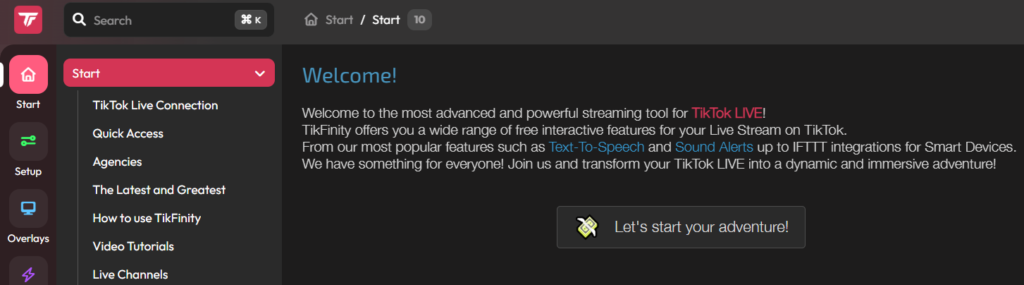
- TikFinity (or Similar API Bots): TikFinity is a powerful, free web-based tool that reads your TikTok chat in real-time. You can program it to trigger specific actions (like pressing a key on your keyboard) whenever someone comments a specific word or sends a specific gift.
- AutoHotkey (Optional): For advanced creators, AutoHotkey allows you to write custom macro scripts to manage complex game inputs seamlessly
How to Create the Engagement Loop (Step-by-Step)
Step 1: Set Up the Trigger
Log into TikFinity and connect your TikTok account. Go to the “Actions & Events” tab. Create a new event and set the trigger to “Specific Comment” (e.g., the viewer types “SPAWN”).
Step 2: Assign the Action
Link that trigger to a simulated keystroke. For example, tell the bot to press the “F4” key on your keyboard whenever someone types “SPAWN”.
Step 3: Link it to the Game
Ensure that inside your game (like GTA 5), the “F4” key is bound to a specific mod menu action, like spawning a car.
Now, when a viewer comments “SPAWN,” the API reads it, the bot presses F4 virtually, and the car appears in the game instantly. You have successfully created an automated loop!
Optimizing Your Hardware for Automation
Running high-performance games, TikTok Live Studio, anti-detect browsers for account management, and API scripts simultaneously puts a heavy load on your hardware.
- Monitor Your Task Manager: Always keep an eye on your CPU and RAM usage.
- Cooling is Essential: If you are running these automated streams on a gaming laptop, ensure your cooling fans are set to maximum performance mode. Thermal throttling will cause your scripts to delay, ruining the real-time viewer experience.
- Lower In-Game Settings: Your viewers are watching on small, compressed mobile screens. You do not need 4K ultra graphics. Lower your game settings to ensure stable FPS and smooth script execution.