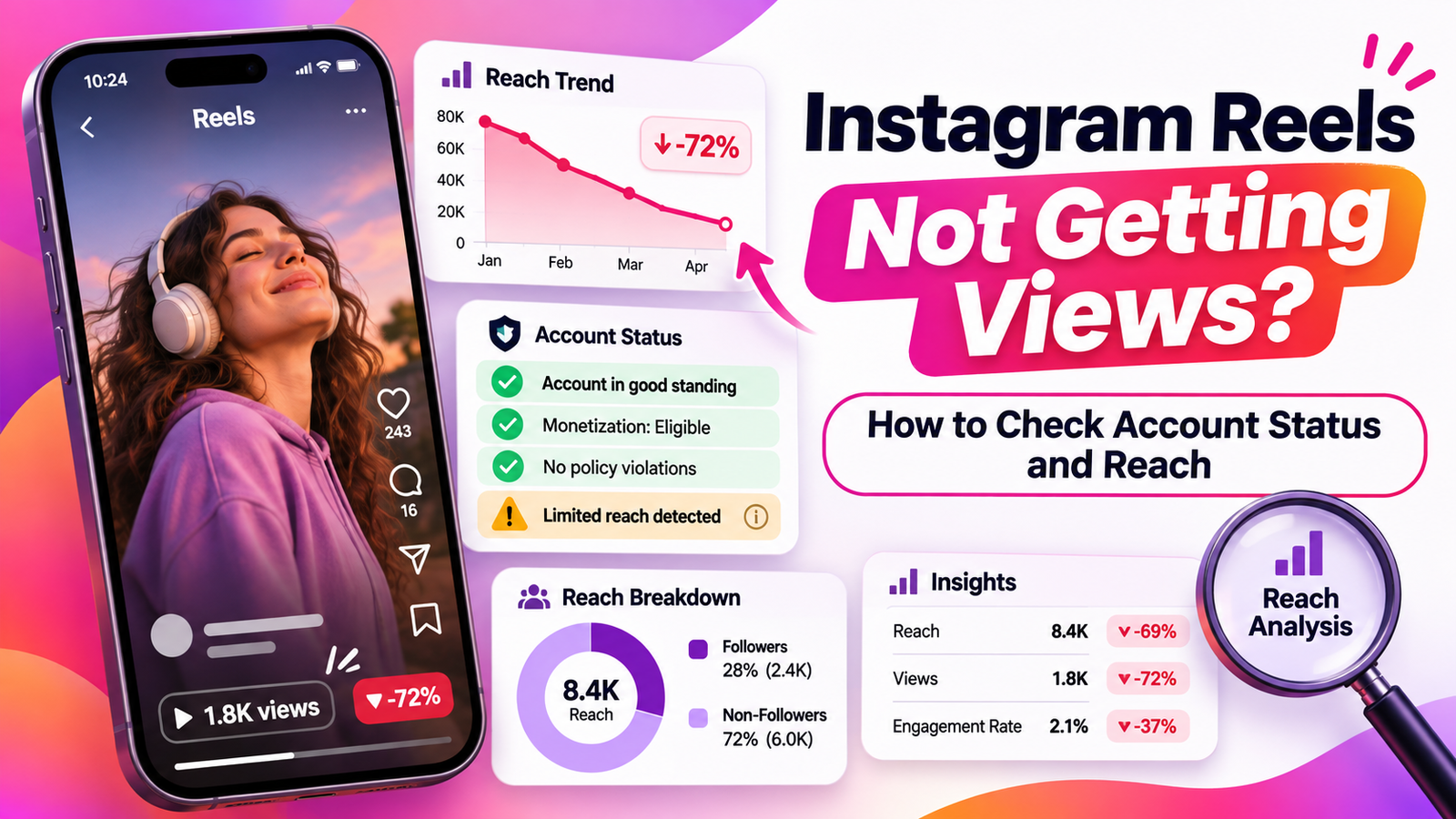
When Instagram Reels stop getting views, the cause is not necessarily an account penalty. Your videos might be ineligible for recommendations, reaching existing followers but not new audiences, or attracting less interest than earlier posts. The question is not “Am I shadowbanned?” but “What changed, and what evidence can I check?” This guide explains Instagram Account Status, Reels Insights, recommendation eligibility, and the appropriate review options, followed by a five-step diagnosis you can perform without third-party tools.
First, Understand How Reels Reach Works
Instagram can show Reels to followers and recommend them to people who do not follow the creator. Recommendations appear across areas including the Reels tab and Explore. Reaching existing followers and earning distribution through recommendations are related but different outcomes.
Instagram also separates Community Guidelines from Recommendations Guidelines. The first determine which content can remain on the service. The second apply additional standards to material suggested to people who have not chosen to follow an account. Consequently, an allowed Reel may remain visible on your profile without qualifying for recommendations.
Eligibility is permission to compete for recommendations, not a promise of exposure. If Account Status shows no restriction, your videos can still receive fewer views because audience responses and ranking decisions vary.
How to Check Instagram Account Status
Open Instagram, visit your profile, and tap the menu in the upper-right corner. Look for Account Status under the help or support area. Depending on your app version, you may need to open Help first. On desktop, Instagram also provides an Account Status option through Settings. Menu labels can change, so search Settings if the option is not visible.
For professional accounts, the recommendation section can identify whether content or profile elements affect eligibility to appear before non-followers. Check each available section rather than relying on a single reassuring symbol:
- Recommendation eligibility: Look for flagged Reels, other posts, or profile details, including your bio or photo.
- Removed content: Identify material Instagram took down for violating its rules.
- Features you cannot use: Check restrictions affecting account functions separately from content distribution.
If you use a personal account, recommendation diagnostics may be less detailed. Do not assume that a missing section proves unrestricted reach. Also confirm your profile is public if reaching non-followers is your goal; a private account is not publicly discoverable in the same way.
A Five-Step Diagnosis for Reels With Low Views
Step 1: Establish Whether the Drop Is Real
Open recent Reels and compare them with older videos on similar subjects. Use equivalent periods after publication: comparing a Reel posted yesterday with one published three weeks ago is misleading. Record the dates, lengths, subjects, views, and available reach metrics. Look for a repeated pattern rather than declaring a problem after one disappointing upload.
If every recent post fell sharply, investigate an account-wide factor. If only one underperformed, start with that video’s topic, opening seconds, and audience response. Neither pattern proves a penalty by itself.
Step 2: Check Eligibility Before Editing Anything
Visit Account Status and open any recommendation warning. Read the explanation and identify whether Instagram flagged one item, repeated content, or an element of your profile. Take a screenshot for your records before changing it.
If you agree with the finding, use the offered editing or removal option. If you believe it is incorrect, look for Disagree with decision or another available review control. Do not delete unrelated posts in bulk: that destroys useful comparison data and does not establish what caused the restriction.
Step 3: Compare Follower and Non-Follower Reach
With a creator or business account, open your professional dashboard or Insights. For an individual Reel, select the video from your profile and choose View insights where available. Look for the accounts reached or viewers measure, plus any follower versus non-follower breakdown shown in your version of Instagram.
Views are not necessarily unique people: replays can increase the count. Reach or viewers describes unique accounts under Instagram’s applicable metric definitions. Avoid treating views, reach, and watch time as interchangeable.
A sharp fall in non-follower reach while follower reach stays steady is consistent with reduced discovery, but does not prove a recommendation penalty. Compare this pattern with the actual eligibility notice before drawing conclusions.
Step 4: Examine Engagement and Watch Time
Where Insights provides them, compare average watch time, total watch time, shares, saves, and interactions across comparable Reels. Meta has explained that total watch time includes replays, while average watch time helps creators assess how long people stay with a video.
Suppose two Reels cover the same tutorial. One explains the result immediately; the other spends several seconds introducing the account. If the second attracts less sustained attention, test a clearer opening next time. That is an editorial hypothesis, not proof that any particular watch-time threshold controls distribution.
Focus on one change per new video. Changing the topic, length, editing style, and posting schedule simultaneously makes the outcome harder to interpret.
Step 5: Choose the Right Action and Recheck
Match your response to the evidence. For a recommendation warning, correct the flagged element or dispute the decision. For a removal, use the available removal-review process. For clean Account Status with weak watch time, improve the content and monitor several comparable uploads.
Document the date of any correction or appeal. Revisit Account Status and Insights afterward, but do not expect a published recovery deadline or an automatic view increase. Instagram does not promise either outcome.
What Different Results Mean
| What you observe | What it suggests | Sensible next action |
|---|---|---|
| Reel removed | Possible Community Guidelines enforcement | Open the notice and review appeal options |
| Not eligible for recommendations | Discovery restriction may affect non-followers | Inspect flagged content or profile details |
| Low non-follower reach, clean status | Weak discovery without a confirmed policy penalty | Compare retention and similar uploads |
| One Reel performs poorly | Possible content-specific response | Test a clearer hook or different topic |
This table is a decision aid, not a shadowban detector. Several explanations can coexist, and your own Insights cannot reveal every ranking input.
When Can You Request a Review?
Instagram provides different paths for different decisions. If Account Status identifies content as ineligible for recommendation, you may be offered Disagree with decision. Use it when you believe the content meets the Recommendations Guidelines, and explain the situation through the options Instagram presents.
If Instagram actually removed a post, open the removal notice or the removed-content section of Account Status. Where a Request a review option exists, follow the prompts. You may also be able to reach the decision through your Support Inbox. Review availability depends on the action; do not assume every decision can be appealed.
An ordinary decline in views, without a specified policy decision, is not itself an appealable violation. If Insights or the application appears broken, use Instagram’s Report a Problem feature instead of filing an unrelated policy appeal.
Why “Shadowban” Tests Often Mislead
Creators use “shadowban” to describe many experiences, from weak hashtag visibility to falling views. The word does not identify a specific Instagram enforcement notice. Account Status provides more actionable information because it distinguishes recommendation eligibility from content removal and feature limits.
Avoid services promising to reveal secret account scores or remove a hidden ban. They cannot replace Instagram’s own status information, and handing over login credentials creates security risks. Likewise, posting a hashtag and asking a friend to search for it cannot isolate recommendation restrictions from personalized ranking, search behavior, or ordinary competition.
Frequently Asked Questions
Does a green Account Status guarantee views?
No. It indicates that the displayed checks have not identified a relevant restriction; Instagram still chooses recommendations based on its systems and viewers’ interests. Good standing is not a distribution guarantee.
Can a Reel remain online but stop being recommended?
Yes. Recommendations Guidelines are more restrictive than Community Guidelines. Content may stay accessible to followers while becoming ineligible for certain discovery surfaces.
Should I delete every Reel after my reach drops?
No. First inspect Account Status and collect performance comparisons. Remove or edit specific content when the platform identifies an issue or when you have an independent reason to change it.
How quickly will views recover after an appeal?
There is no dependable universal timeline. A successful review addresses the decision being challenged; it does not guarantee renewed distribution, viral growth, or a particular number of views.
Can I diagnose the problem without paying for analytics?
Yes. Instagram’s native Account Status and professional Insights provide the starting points. External tools may organize data, but they cannot confirm a hidden enforcement decision that Instagram has not disclosed.
Conclusion
When Instagram Reels stop getting views, investigate the evidence before blaming a shadowban. Check Account Status, separate removals from recommendation limits, examine follower and non-follower reach, and compare engagement across similar posts. Appeal an actual decision when review is available; otherwise, improve one measurable content element and track what changes. A diagnosis will not guarantee more views, but it will prevent wasted effort and help you make better publishing decisions.
Sources and References
- Instagram Help Center — Account Status. Official guidance on removed content, account restrictions, recommendation eligibility, and review options.
https://help.instagram.com/338481628002750 - Instagram Help Center — Recommendations on Instagram. Explains content eligibility, account recommendations, and the differences between recommendation standards and Community Guidelines.
https://www.facebook.com/help/instagram/313829416281232 - Meta Newsroom — Recommendation Guidelines. Explains why content that remains permitted on Instagram may still be excluded from recommendations.
https://about.fb.com/news/2020/08/recommendation-guidelines/ - Meta Newsroom — New Features on Instagram Reels: Trends, Editing and Gifts. Official explanation of Reels Insights, total watch time, and average watch time.
https://about.fb.com/news/2023/04/instagram-reels-trending-audio-and-gifts-updates/ - Instagram Help Center — About Instagram Insights. Documentation covering professional account analytics and performance metrics.
https://help.instagram.com/788388387972460 - Meta Newsroom — How AI Influences What You See on Facebook and Instagram. Describes ranking systems, recommendations, and personalization signals.
https://about.fb.com/news/2023/06/how-ai-ranks-content-on-facebook-and-instagram/ - Meta Newsroom — Introducing Best Practices, an Education Hub for Creators on Instagram. Covers Instagram’s in-app guidance on creation, engagement, reach, and account guidelines.
https://about.fb.com/news/2024/10/best-practices-education-hub-creators-instagram/