
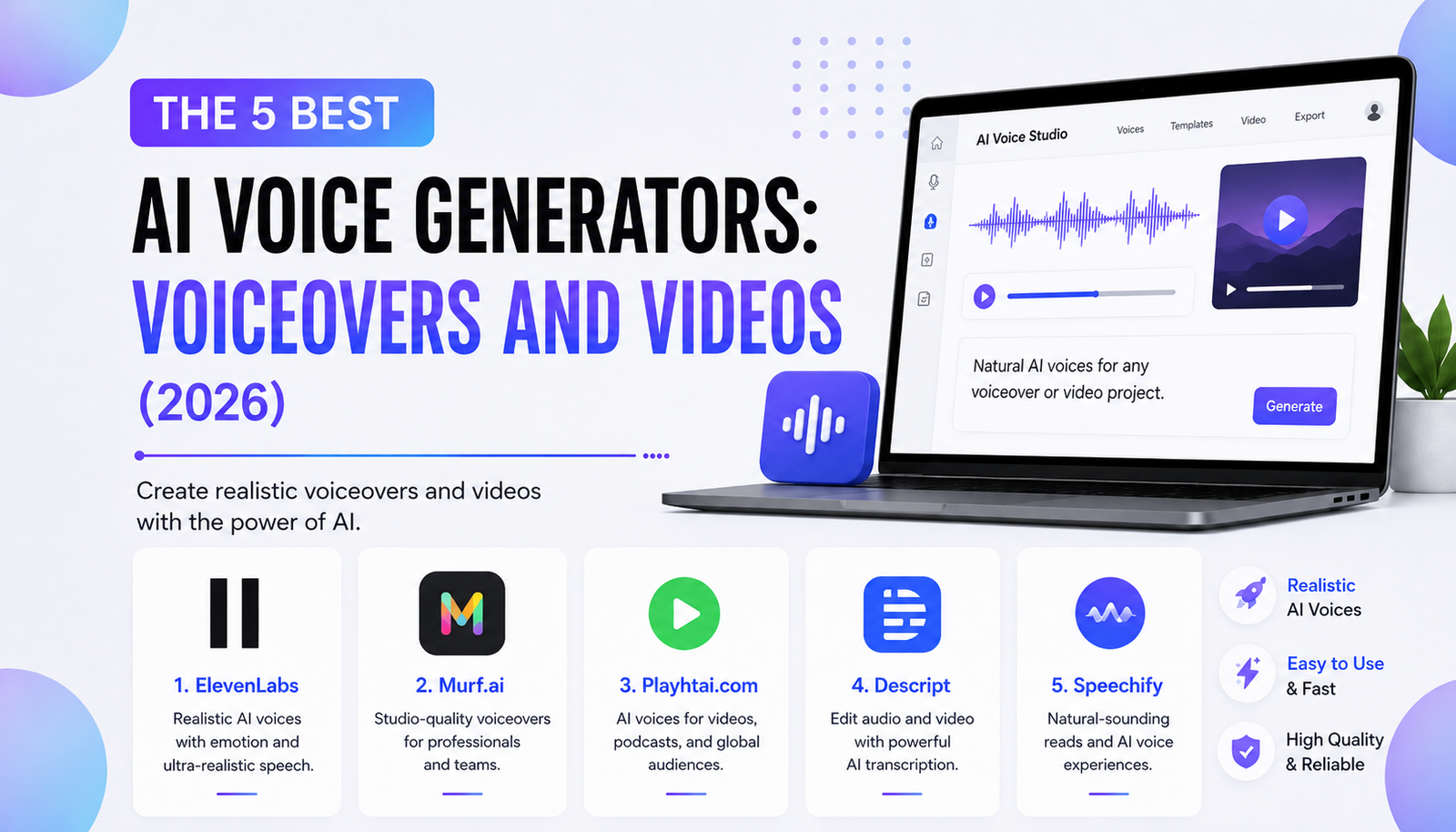
AI voice generators turn scripts into narration without recording equipment or voice actors. The best choice depends on your workflow. Shorts creators need expression; trainers need accurate pronunciation; editors may prioritize repairing existing dialogue over generating new audio.
This guide compares five active services by features, editing tools, and licensing. These recommendations are not based on controlled listening tests. Check current subscription terms before purchasing.
Quick Comparison: Which AI Voice Generator Fits Your Project?
| Tool | Best for | Main advantage | Main limitation |
|---|---|---|---|
| ElevenLabs | Storytelling and character narration | Expressive speech and voice creation | Commercial use requires a paid plan |
| Murf | Training and business explainers | Timeline synchronization and pronunciation tools | Free Studio projects cannot be downloaded |
| Descript | Podcasts and edited videos | Text-based editing and voice repairs | Less focused on standalone bulk narration |
| Fliki | Faceless short-form videos | Combines voices, visuals, and captions | Automatic scenes need manual review |
| Speechify Studio | Multilingual voiceover projects | Voiceover, dubbing, and voice changing | Free plan excludes commercial usage rights |
ElevenLabs: Best for Expressive Storytelling
ElevenLabs is a strong starting point when narration itself carries the video. Its text-to-speech tools offer a voice library, voice design, and cloning options, while different speech models emphasize expression, consistency, or low latency. Creators can build distinctive fictional character voices instead of reusing generic narrators.
Its multilingual support is useful for localization, but translating the script is only part of the job. ElevenLabs explains that language follows the written text, whereas accent depends on the selected voice. For a Spanish version of an English video, choose a voice suited to the target region and ask a fluent speaker to check names, slang, and emphasis.
Practical workflow: Write a short opening hook, generate several deliveries, then compare them against the visuals. Adjust punctuation and voice settings before processing the entire script. Keep longer projects divided into logical passages so one awkward sentence does not force unnecessary revisions elsewhere.
Watch out: Commercial rights are tied to paid subscriptions. Professional Voice Cloning requires verification and is restricted to cloning your own voice. Do not assume that finding a recognizable voice online makes it available for imitation.
Murf: Best for Explainer Videos and Training
Murf focuses on a structured production workspace. Its Studio combines generated speech with uploaded images, video, and background audio. The timeline helps align each spoken segment with slides or demonstrations, making it particularly useful for instructional material where words must match on-screen steps.
Creators can adjust speed, pitch, pronunciations, and pauses. That matters when a script includes product names, acronyms, or unfamiliar terminology. Even polished narration fails when it mispronounces the featured product.
Practical workflow: Divide a tutorial into one voice block per visual step. Correct technical terms, preview the transition between blocks, and synchronize the screen recording before exporting. For recurring training content, document preferred pronunciations so future episodes sound consistent.
Watch out: Murf’s free Studio tier is intended for evaluation and does not allow downloads or commercial use. Paid Studio plans provide commercial rights, but broadcasting on traditional television or radio can require separate enterprise permissions. Check your distribution license.
Descript: Best for Repairing and Editing Recorded Content
Descript is especially useful when you already have footage, interviews, or podcast recordings. Its workflow lets you edit media through a transcript instead of relying entirely on waveform cuts. AI Speakers can narrate new material, while Regenerate can replace or repair spoken passages in an existing project.
For example, imagine recording a tutorial and discovering that the final instructions mention an outdated menu label. Instead of repeating the full recording, you can update the relevant text and generate replacement speech. You should still listen carefully: a corrected sentence may have different timing, emphasis, or background characteristics from the surrounding audio.
Descript also offers stock AI voices and custom voice cloning. Its documentation permits commercial use of generated AI Speaker content, subject to the platform’s terms. Voice cloning requires appropriate speaker authorization; it is not permission to imitate an unrelated person.
Best fit: Podcasters, educational YouTubers, interview editors, and creators who revise existing recordings frequently.
Limitation: If you only need hundreds of standalone narration files, Descript’s broader editing interface may be unnecessary. Compare generation allowances and export needs before choosing it solely as a text-to-speech engine.
Fliki: Best for Turning Scripts Into Short Videos
Fliki addresses a different production problem: creating the visuals alongside the narration. Its script-to-video workflow can assemble scenes, voiceovers, captions, and supporting media from written material. That makes it convenient for faceless educational clips, product summaries, and short social videos.
A useful starting process is to write a scene-by-scene script rather than paste a lengthy article unchanged. Give each scene a clear visual instruction, keep narration concise, and inspect every suggested image or clip. Automatic footage can depict the wrong product, location, or event despite accurate narration.
Fliki supports vertical video workflows suitable for Shorts and TikTok, alongside other formats. Its paid plans provide commercial rights; free outputs have restrictions, including watermarks. Review the terms for any third-party assets used in your final production.
Best fit: Solo creators who want narration and a first video draft in one workspace.
Limitation: Convenience is not editorial accuracy. Fact-check the script, replace misleading visuals, and refine caption timing before publishing. A complete automatically generated video is a draft, not a quality guarantee.
Speechify Studio: Best for Flexible Voiceover and Dubbing
Speechify has two products that are easy to confuse. Its reading tools are designed primarily for listening to documents and other text. Speechify Studio, by contrast, is the creator-oriented environment for generating voiceovers, dubbing videos, and changing voices.
Studio offers a substantial selection of voices and lets creators assemble narration without recording each language themselves. This can simplify multilingual product explanations or accessibility-oriented versions of existing video content. Nevertheless, translated audio still needs human review to catch mistranslated jokes, names, and culturally specific expressions.
Practical workflow: Produce the original narration first, finalize its wording, and only then create translated versions. Compare each language against the intended duration, especially where subtitles or demonstrations must stay synchronized.
Watch out: Speechify Studio’s free plan does not include commercial usage rights. The provider lists commercial rights on paid Studio plans. Do not confuse a subscription to the reading application with a license for publishing monetized voiceovers.
How to Choose Without Wasting Money
Before subscribing, test the same short script in every shortlisted service. Include a question, an emotional sentence, a number, a brand name, and a difficult proper noun. Listen through headphones and phone speakers; short-form audiences frequently use the latter.
Use this checklist to evaluate the results:
- Pronunciation: Does the voice handle names, numbers, and abbreviations correctly?
- Pacing: Can viewers understand the narration without slowing playback?
- Emotion: Does the delivery match the story without sounding exaggerated?
- Editing: Can you correct one sentence without rebuilding everything?
- Rights: Does your subscription permit commercial publication on your intended platform?
- Budget: Are usage limits measured in credits, characters, minutes, or exports?
Calculate costs from your actual publishing schedule rather than the advertised entry price. A plan that works for occasional shorts may become restrictive when you regenerate multiple takes or produce versions in several languages.
Can You Monetize YouTube Videos With AI Voices?
An AI narrator does not automatically disqualify a video from monetization. YouTube evaluates originality and authenticity, and its policies identify repetitive, mass-produced, low-value videos as potential problems. Writing distinctive scripts, adding informed commentary, and choosing visuals that genuinely explain the topic are more important than disguising how narration was made.
YouTube also has disclosure rules for realistic, meaningfully altered or generated material. Its guidance lists cloning your own voice for a voiceover among examples that generally do not require disclosure, while making a real person appear to say something they never said can require it. Assess the finished video, not merely the voice tool.
Frequently Asked Questions
Which AI voice generator sounds most human?
There is no universally verified winner. ElevenLabs emphasizes expressive voice synthesis, but realism depends on the script, selected model, language, and listening context. Compare short samples carefully before committing.
What is best for YouTube Shorts?
Choose ElevenLabs for voice-first storytelling, Fliki when you also need assembled video scenes, or Descript when editing your existing recordings is the priority.
Can I clone a celebrity’s voice?
Do not presume permission. Voice-cloning services impose restrictions, and using someone’s likeness or voice without authorization can create legal and platform-policy risks. Use licensed voices or your own verified voice instead.
Are free AI voices safe for commercial videos?
Not necessarily. Several tools allow free experimentation but reserve commercial rights for paid subscriptions. Read the precise plan terms before uploading monetized content.
Final Verdict
Choose ElevenLabs for performance-focused narration, Murf for synchronized business explainers, Descript for transcript-driven repairs, Fliki for complete short-video drafts, and Speechify Studio for dedicated voiceover and dubbing workflows. The right tool is the one that produces clear, appropriately licensed audio while leaving you enough control to make the final video accurate, distinctive, and worth watching.
Sources
- ElevenLabs: Text to Speech documentation
- ElevenLabs: Voice cloning and verification
- Murf: Creating a Voiceover Video
- Murf: Commercial rights
- Murf: Free trial downloads
- Descript: AI Speakers overview
- Fliki: Script-to-Video guide
- Fliki: Text-to-Video features and licensing
- Speechify: Studio plans and commercial rights
- YouTube: Monetization policies
- YouTube: AI content disclosures