
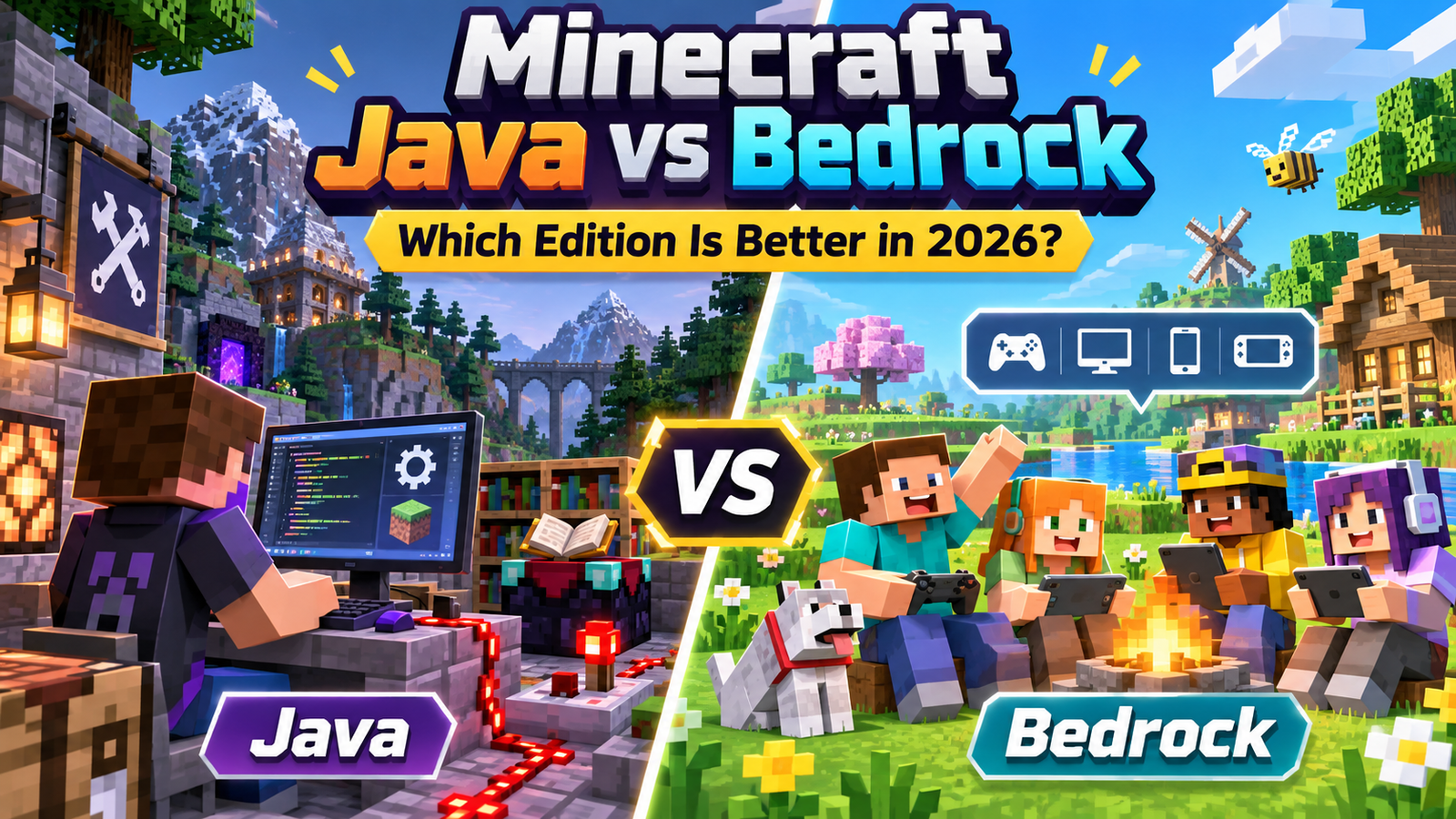
Choosing between Minecraft Java and Bedrock Edition in 2026 is less about which game has more blocks and more about how you want to play. Both receive Minecraft’s game drops, but they differ in multiplayer compatibility, customization, controls, graphics, and technical behavior. For most players joining friends across different devices, Bedrock is more convenient. For PC players interested in modding and technical projects, Java offers greater flexibility.
Quick Verdict: Java or Bedrock?
Choose Java Edition if you play on a computer, want large community modpacks, enjoy custom servers, or follow advanced redstone tutorials designed for Java.
Choose Bedrock Edition if you play on a console or phone, need native cross-platform multiplayer, prefer controller support, or want accessible Marketplace add-ons.
Windows buyers do not have to choose permanently: Minecraft’s standard PC package includes both editions. However, purchasing Minecraft on one platform does not automatically grant licenses on every other platform.
Minecraft Java vs Bedrock: Key Differences
| Feature | Java Edition | Bedrock Edition |
|---|---|---|
| Devices | Windows, macOS, Linux | Windows, consoles, mobile, Chromebook |
| Native multiplayer | Java players only | Bedrock players across supported devices |
| Customization | Community mods, data packs, shaders | Add-ons, resource packs, Marketplace |
| Controls | Keyboard and mouse; no native controller support | Keyboard, controller, touch where supported |
| Local split-screen | Not available | Available on supported consoles |
| Graphics | Community shaders; experimental Vulkan rendering | Vibrant Visuals on compatible devices; supported ray tracing |
| Redstone | Java-specific behavior including quasi-connectivity | Different piston and update behavior |
| Realms | Java-only subscription | Bedrock-only subscriptions |
The same label, “Minecraft,” does not mean the same multiplayer network or interchangeable world files. Those differences matter more than minor graphical preferences.
Platforms, Ownership, and Controls
Java Edition runs on Windows, macOS, and Linux. Bedrock runs on Windows, Xbox, PlayStation, Nintendo consoles, Android, iOS, and compatible Chromebooks. A Mac owner looking for the officially supported desktop edition should choose Java; a console owner uses Bedrock.
On Windows, the Java and Bedrock Edition bundle includes both games through the Minecraft Launcher. The editions remain separate installations with their own settings and saved worlds. Mobile and console copies are purchased through their respective stores.
Bedrock supports controllers and touch input on compatible devices. Java primarily targets keyboard and mouse, although third-party modifications can provide controller functionality. Families sharing a television may appreciate Bedrock’s console split-screen option, which Java does not offer.
Multiplayer: The Most Important Decision
Bedrock’s strongest advantage is native cross-play. A Windows player can join friends using a supported Xbox, PlayStation, Nintendo device, or phone, provided everyone uses Bedrock and has accounts and permissions. Console online multiplayer may require a platform subscription.
Java multiplayer works between Windows, Mac, and Linux players running Java. A Java player cannot normally join a Bedrock Realm or server, even when both people own Minecraft. Unofficial server bridges exist, but they introduce configuration work and cannot be treated as guaranteed compatibility.
Did Java Get Easier Multiplayer in 2026?
Yes, but with an important limitation. Java’s 2026 update introduced an in-game Friends List for requests and online status. An experimental feature for directly connecting to friends’ worlds was removed before release. A Friends List therefore does not replace a configured server, local network session, or Java Realm.
Before organizing a group world, ask every participant which edition appears in their launcher or game menu. That one question prevents a common multiplayer mistake.
Mods vs Add-Ons: Which Offers More Freedom?
Java remains the stronger choice for substantial community-made modifications. Mods can overhaul progression, introduce machinery, change world generation, or create entirely different gameplay systems. Players can combine compatible mods into curated modpacks, although version conflicts and performance demands require attention.
Bedrock uses resource packs and behavior-pack add-ons. These can introduce custom items, creatures, blocks, recipes, and gameplay changes. The Marketplace provides convenient discovery and installation options, including free and paid content. That convenience is valuable on devices where traditional PC mod installation is unavailable.
Neither approach is risk-free. Mojang does not review or support arbitrary Java mods, so check download sources and make backups. Bedrock add-ons also have compatibility and performance limitations; stacking many packs can cause problems. Neither edition guarantees that purchased or downloaded custom content works across both editions.
Graphics and Performance in 2026
Bedrock offers Vibrant Visuals, Minecraft’s enhanced graphics mode, on compatible hardware. It adds features such as improved lighting, reflections, shadows, and atmospheric effects without changing gameplay rules. Availability depends on the device, and the mode may be unavailable with incompatible packs. Bedrock also offers ray-tracing capabilities on supported Windows hardware and content.
Java players can transform Minecraft’s appearance with community shader packs and resource packs. In 2026, Java also gained an experimental Vulkan rendering option as Mojang continued modernizing its graphics technology. Experimental does not mean automatically faster: stability and frame rates can vary, and OpenGL remains an available option.
There is no universal winner in frames per second. Bedrock often suits lower-powered devices, but actual results depend on hardware, render distance, graphics settings, mods, and the world being loaded. Java’s official PC requirements were revised in 2026, so check the latest official requirements rather than relying on old claims that any laptop will run it smoothly.
For a fair personal comparison, use similar view distances, disable optional visual enhancements, and test ordinary gameplay before installing demanding packs.
Redstone, Farms, and Survival Mechanics
Both editions support Survival, Creative, and Hardcore modes. Bedrock added Hardcore in 2024, so claiming that permanent-death gameplay is exclusive to Java is outdated.
Redstone is a meaningful distinction for technical players. Java supports quasi-connectivity, a behavior used in certain piston systems, while Bedrock does not. Updates and piston timing also differ. Consequently, complex Java farms, flying machines, or compact circuits may fail when copied directly into Bedrock.
Always follow a tutorial labeled for your edition when building automatic farms. This matters when the structures look identical. Bedrock is not simply Java with different menus; certain mechanics require different designs.
Servers, Realms, and Ongoing Costs
Both editions offer multiplayer without purchasing a Realm, including supported multiplayer worlds and servers. A Realm is an always-online private world hosted by Mojang. Java Realms accept Java players, while Bedrock Realms accept Bedrock players across supported devices.
Bedrock offers a smaller Realm tier and a larger Realms Plus tier; Java offers its own Realm plan. Their player capacities, extras, and subscription prices differ. Check the official Realms page for your region before paying, because pricing and platform requirements can vary.
If your friends already operate a community server, choosing its edition may be smarter than choosing based on graphics. Server rules, supported versions, add-ons, and moderation policies can affect your experience more than the edition.
Can You Transfer Worlds Between Editions?
Not directly. Java and Bedrock store worlds in different formats, and Mojang explicitly says their saves are not compatible. Third-party conversion utilities may move parts of a world, but conversion can introduce missing entities, altered inventories, or problems with complex builds.
Before attempting conversion, copy the original save, document important coordinates, and verify the converted world separately. Never overwrite the original. If you expect to switch editions frequently, starting separate worlds may be less frustrating than maintaining converted copies.
Which Edition Should You Actually Play?
For a child playing with family members on phones and consoles, choose Bedrock and configure Microsoft account safety settings appropriately. For a PC player experimenting with extensive mods, Java is the natural starting point. For a builder who values effortless controller input or couch play, Bedrock has practical advantages.
For technical redstone projects, select the edition used by the guides and communities you follow. For a Windows beginner with no strong preference, install both and try their standard settings before committing to a world.
Frequently Asked Questions
Is Minecraft Java better than Bedrock for beginners?
Bedrock may be easier for beginners who want controller support, console play, and straightforward cross-platform invitations. Java is also approachable for ordinary Survival gameplay, especially when the player already uses a PC.
Can Java and Bedrock players play together in 2026?
Not through Minecraft’s cross-play or Realms systems. Each edition connects to its own compatible multiplayer environment. Some unofficial server solutions bridge the gap, but they require additional setup.
Does Bedrock have Hardcore mode now?
Yes. Bedrock received Hardcore in October 2024. Both editions now support one-life Survival challenges, although individual mechanics and technical behavior can still differ.
Which edition is better for mods?
Java is generally better for third-party mods and complex modpacks. Bedrock is convenient for accessible add-ons, particularly on supported consoles and mobile devices.
Do I need to buy Java and Bedrock separately on PC?
No. The standard Windows PC package includes Java and Bedrock together. This does not mean a Windows purchase grants the mobile or console versions.
Final Verdict
Minecraft Java vs Bedrock has no single winner. Java excels when customization, PC communities, and technical mechanics matter most. Bedrock wins when your priorities are native device cross-play, controllers, and convenient family multiplayer. Decide based on your friends’ editions and your available hardware first; everything else is secondary.
Sources and References
- Minecraft: Java & Bedrock Edition for PC — Official Comparison
- Minecraft Help — Multiplayer Requirements
- Minecraft — Realms Plans and Features
- Minecraft — Vibrant Visuals
- Minecraft Java Edition 26.2 — Friends List and Vulkan
- Minecraft Help — Bedrock Add-Ons
- Minecraft Help — Java Mods
- Microsoft Learn — Java and Bedrock Technical Differences
- Minecraft — Java Edition System Requirements, July 2026
- Minecraft — Update History