
Automate edits, generate captions, and deliver viral-ready videos efficiently with the best video editing apps for mobile and desktop.
Key Learnings
- Choose the right editing app based on your platform (Mobile/Short-form vs. Desktop/Pro).
- Automate repetitive editing tasks like auto-captions, background removal, and sound design.
- Optimize your export settings for high-quality playback on YouTube, TikTok, and Instagram.
- Establish a fast editing workflow to increase daily video output without burnout.
Choosing the Right Video Editing App
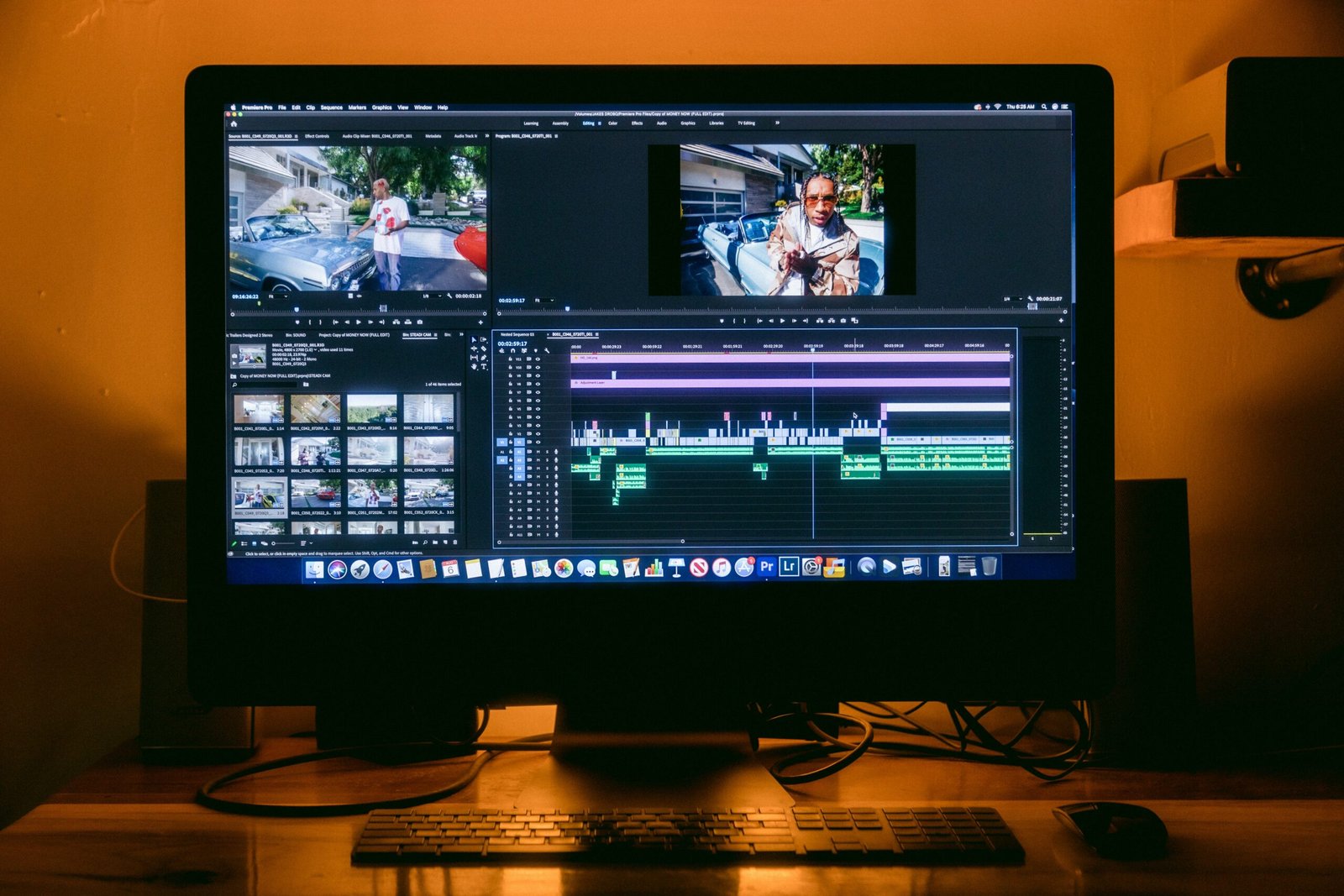
Video editing apps bring your raw footage, audio tracks, and visual effects together in one seamless timeline. With the right tool, you spend less time manually trimming clips and more time refining the story: create tight cuts, apply engaging transitions, and format ratios for multi-platform distribution.
Select a tool that fits your rhythm. Use lightweight mobile apps with built-in templates for rapid short-form creation, or heavy-duty desktop software for precise color grading and multi-track audio control.
Short-Form vs. Long-Form Workflow
- Short-Form Content (Reels, TikTok, Shorts): Requires fast pacing, dynamic captions, quick cuts within the first 3 seconds, and vertical aspect ratios (9:16).
- Long-Form Content (YouTube, Courses): Requires structured chapters, detailed sound balancing, color correction, and horizontal aspect ratios (16:9).
Essential Features Every Video Editor Needs
1. Auto-Captions and Subtitle Generators
Modern viewers often watch videos on mute. Built-in speech-to-text tools automatically generate styled subtitles in seconds, saving hours of manual typing and boosting viewer retention.
2. FX, Motion Presets, and Glitch Effects
Adding visual hook elements—such as subtle zooms, glitch overlays, sound-synced cuts, and keyframe animations—keeps the pacing dynamic and bypasses algorithmic fatigue across social platforms.
3. AI Audio Cleanup and B-Roll Integration
Clear audio is non-negotiable. Use integrated noise reduction to strip background hums and layer royalty-free background music to match the mood of your scene.
Best Video Editing Apps (Top Picks)
Mobile & Rapid Short-Form Editing
- CapCut: Free, feature-packed app with auto-captions, motion tracking, and glitch effects. (Android | iOS | Desktop)
- VN Video Editor: Clean, timeline-based editor without watermarks and advanced curve speed controls. (Android | iOS)
- LumaFusion: Pro-level multi-track editing designed for iPad and iOS devices. (iOS)
Desktop & Professional Post-Production
- DaVinci Resolve: Industry-standard for advanced color grading, audio post-production (Fairlight), and visual effects.
- Adobe Premiere Pro: Robust, industry-leading software for multi-cam editing and seamless Creative Cloud integration.
AI & Automation Tools
- Opus Clip / AutoCap: Convert long videos into viral short clips automatically using AI scene detection.
- ElevenLabs: Generate natural AI voiceovers and custom sound effects for narrative storytelling.
Simple Daily Video Editing Routine
- 10 Mins (Raw Selection): Import media, trim dead air, and assemble the rough cuts on the main timeline.
- 20 Mins (Pacing & FX): Add text overlays, sound effects (SFX), keyframe zooms, and motion graphics.
- 10 Mins (Audio & Captions): Auto-generate subtitles, adjust music volume below dialogue, and apply noise suppression.
- 5 Mins (Export & QC): Render at recommended bitrates and review the final file on both phone and PC.
Final Export Checklist Before Uploading
- Aspect Ratio: 9:16 (Vertical for Shorts/TikTok) or 16:9 (Horizontal for YouTube).
- Resolution & FPS: 1080p or 4K at 30fps / 60fps depending on motion intensity.
- Audio Levels: Peaks normalized between -1 dB and -3 dB to avoid clipping.
- File Naming: Include target keywords in the exported
.mp4file name for better indexing.