
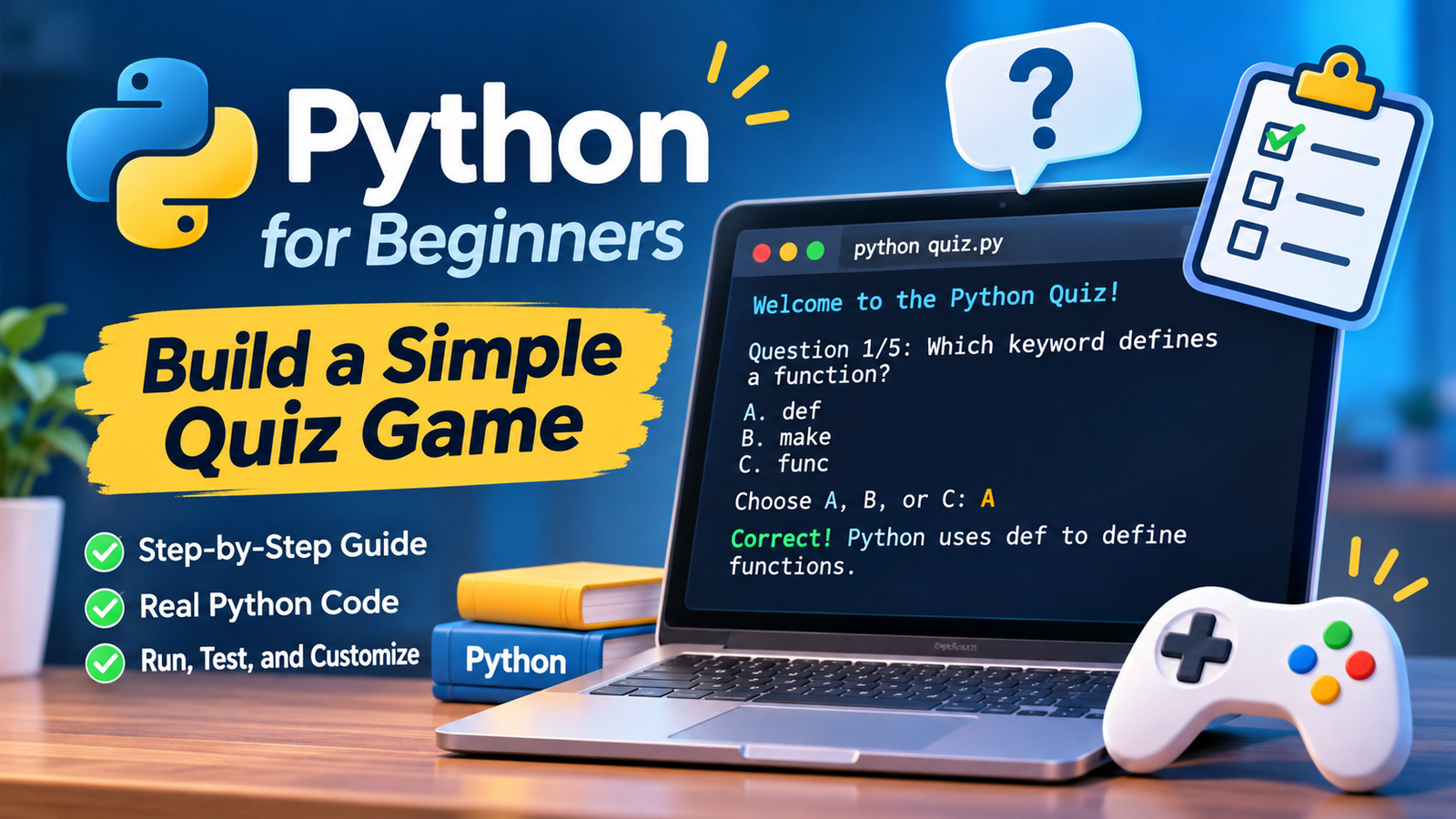
Learning Python becomes easier when every line contributes to something you can actually use. In this tutorial, you will build a terminal-based quiz game that asks five questions, checks answers, explains mistakes, calculates a score, and offers another round. The question order is shuffled for each round.
You do not need programming experience or external packages. You will learn variables, lists, dictionaries, functions, loops, conditions, and keyboard input while creating one complete program. By the end, you can replace the sample questions with your own topic and share the script with someone who has Python installed.
What You Need Before Starting
Install a current version of Python 3 from the official download page. Open a terminal and check your installation:
python --versionOn some computers, use python3 --version instead. On Windows, py --version may also work. The command should display a Python 3 version. If it does not, consult the official setup instructions for your operating system.
Create a folder for your project. Inside it, make a plain-text file called quiz.py using IDLE, VS Code, or another code editor. Save the file with the .py extension, not .txt. This game runs in a terminal rather than a web browser and does not require a graphical interface.
Understand the Three Building Blocks
Before writing the complete game, try this tiny example:
name = input("What's your name? ")
print(f"Welcome, {name}!")
input() pauses until someone types and presses Enter. The result is text, even when the person types digits. print() displays a message. The f before the second string inserts the value of name between braces.
Our quiz adds two more ideas. An if statement decides whether an answer matches, and a for loop repeats work for every question. A separate while loop handles invalid choices and lets the player start a new round.
Build the Complete Python Quiz Game
Copy the entire program below into quiz.py. Keep its indentation exactly as shown: Python uses indentation to group the instructions inside functions, loops, and conditions.
import random

QUESTIONS = [
    {
        "question": "Which keyword defines a function?",
        "options": ["A. def", "B. make", "C. func"],
        "answer": "a",
        "explanation": "Python uses def to define functions."
    },
    {
        "question": "What is 3 * 4?",
        "options": ["A. 7", "B. 12", "C. 34"],
        "answer": "b",
        "explanation": "The * operator multiplies numbers."
    },
    {
        "question": "Which value is a Boolean?",
        "options": ["A. hello", "B. 3.5", "C. True"],
        "answer": "c",
        "explanation": "True and False are Boolean values."
    },
    {
        "question": "Which type stores ordered items?",
        "options": ["A. list", "B. int", "C. bool"],
        "answer": "a",
        "explanation": "A list stores items in order."
    },
    {
        "question": "What does len('cat') return?",
        "options": ["A. 2", "B. 3", "C. 4"],
        "answer": "b",
        "explanation": "The string cat has three characters."
    }
]


def ask_question(item, number, total):
    print(f"\nQuestion {number}/{total}: {item['question']}")
    for option in item["options"]:
        print(option)

    while True:
        answer = input("Choose A, B, or C: ").strip().lower()
        if answer in ("a", "b", "c"):
            break
        print("Please enter A, B, or C.")

    if answer == item["answer"]:
        print("Correct!", item["explanation"])
        return 1

    print("Incorrect.", item["explanation"])
    return 0


def play():
    questions = QUESTIONS.copy()
    random.shuffle(questions)
    score = 0

    for number, item in enumerate(questions, start=1):
        score += ask_question(item, number, len(questions))

    print(f"\nFinal score: {score}/{len(questions)}")
    print(f"Accuracy: {score / len(questions):.0%}")


print("Welcome to the Python Quiz!")
while True:
    play()
    again = input("Play again? (y/n): ").strip().lower()
    if again != "y":
        print("Thanks for playing!")
        break
Run Your Quiz and Check the Results
Open a terminal in the folder containing quiz.py, then run:
python quiz.pyIf your computer uses python3, run python3 quiz.py instead. Windows users may use py quiz.py when that command is available. You should see a welcome message followed by one question and three choices. Enter A, B, or C, then press Enter.
Try deliberately entering z first. The game should reject that choice without advancing to the next question. Then type a valid letter. After five answers, the game displays a score out of five and an accuracy percentage. Enter y to replay or anything else to stop.
For example, three correct answers produce a score of 3/5 and an accuracy of 60%. The displayed question order may change between rounds, but every question appears once per round.
How the Quiz Game Works
Questions are stored as dictionaries
QUESTIONS is a list containing five dictionaries. Each dictionary groups one question, its answer choices, the correct letter, and a short explanation. This makes editing easier than managing four unrelated lists. If you change the choices, update the matching answer letter too.
A function handles each answer
ask_question() displays the prompt and returns 1 for a correct answer or 0 otherwise. Those numbers are added to score in play(). Separating the two functions also makes it easier to change the appearance of the quiz without rewriting scoring logic.
Input is cleaned and validated
The expression .strip().lower() removes spaces at the beginning and end and converts uppercase letters to lowercase. Consequently, A and a are treated identically. The inner while loop repeats until the entered letter belongs to the allowed choices. An empty answer also triggers another prompt.
Entering an entire answer, such as def, is not accepted: this version intentionally expects one letter. That distinction is useful when designing your own input rules.
Questions are shuffled without changing the original list
QUESTIONS.copy() creates a new outer list, and random.shuffle() rearranges that list in place. The original list remains in its written order. Because the dictionaries are not modified, a shallow list copy is sufficient here. Shuffling provides variety; it does not guarantee a different order every time.
Scores are calculated automatically
enumerate(..., start=1) gives each question a displayed number. len(questions) supplies the total, so the score display updates when questions are added. The percentage formatting expression :.0% turns a proportion such as 0.6 into 60%. This code assumes there is at least one question; do not leave the list empty.
Improve the Game With Your Own Questions
Start by replacing one sample dictionary while keeping the same four keys. The answer must be a, b, or c, matching the appropriate displayed option. Then test a correct answer, an incorrect answer, lowercase input, uppercase input, and an invalid character.
You can turn the quiz into a classroom revision tool, a family trivia challenge, or a language vocabulary exercise. To add a fourth choice, however, you must also extend the validation rule to accept d. Merely adding another option to the list will not make D selectable.
| Change | What to edit | Important check |
|---|---|---|
| Add questions | Insert dictionaries in QUESTIONS | Keep all four keys |
| Change the topic | Edit question, choices, explanation | Match the answer letter |
| Add option D | Add choices and accept d | Test uppercase D |
| Remove shuffling | Delete random.shuffle(questions) | Order becomes predictable |
| Change replay behavior | Edit the final while loop | Verify the exit path |
Common Problems and Fixes
IndentationError: Check that lines inside each function, condition, and loop are indented consistently. Four spaces per indentation level is a widely used convention. Avoid mixing tabs and spaces.
SyntaxError: Look for missing quotation marks, brackets, commas, or colons. Curly quotation marks pasted from a formatted document can also break Python code; use ordinary straight quotes.
Command not found: Verify Python installation and try the alternative command for your system. Also confirm that the terminal is open in the correct folder.
The program closes immediately: Run the script from a terminal instead of double-clicking its file. This keeps the results visible and makes errors easier to read.
EOFError: The game requires interactive keyboard input. Some online runners do not provide a suitable input console; choose an environment that supports input().
Frequently Asked Questions
Is this quiz game suitable for complete beginners?
Yes. It uses basic Python features and explains their roles. Working through the small input example first helps if you have never written a program.
Do I need to install extra Python libraries?
No. random belongs to Python’s standard library, so it is available with a normal Python installation. You do not need pip for this project.
Can I turn this into a graphical game?
Yes, but this version intentionally uses the terminal. A graphical interface would require a different input and display approach; the question data and scoring ideas can still be reused.
Does the game save high scores?
No. The current score exists only while the program is running. Saving results between sessions would require writing data to a file or another persistent storage system.
Conclusion
You have built a playable Python quiz rather than a disconnected collection of examples. You now have a concrete reason to use functions, dictionaries, loops, input validation, and randomized ordering together. Run the program, replace the questions with a topic you enjoy, and test every change. Small, working projects are an effective way to turn new syntax into practical programming skills through deliberate practice.